Lamp Capture · Early access
Remember who promised what in your meetings.
Lamp Capture records your online calls and writes down the decisions, the promises and the open questions, for meetings in more than one language, starting with Nepali and English.
The problem
A team agrees to send samples by Friday. Two weeks later, nobody remembers who promised it. The decision was made, but it was never written down anywhere people could find it.
How it works
01
Record
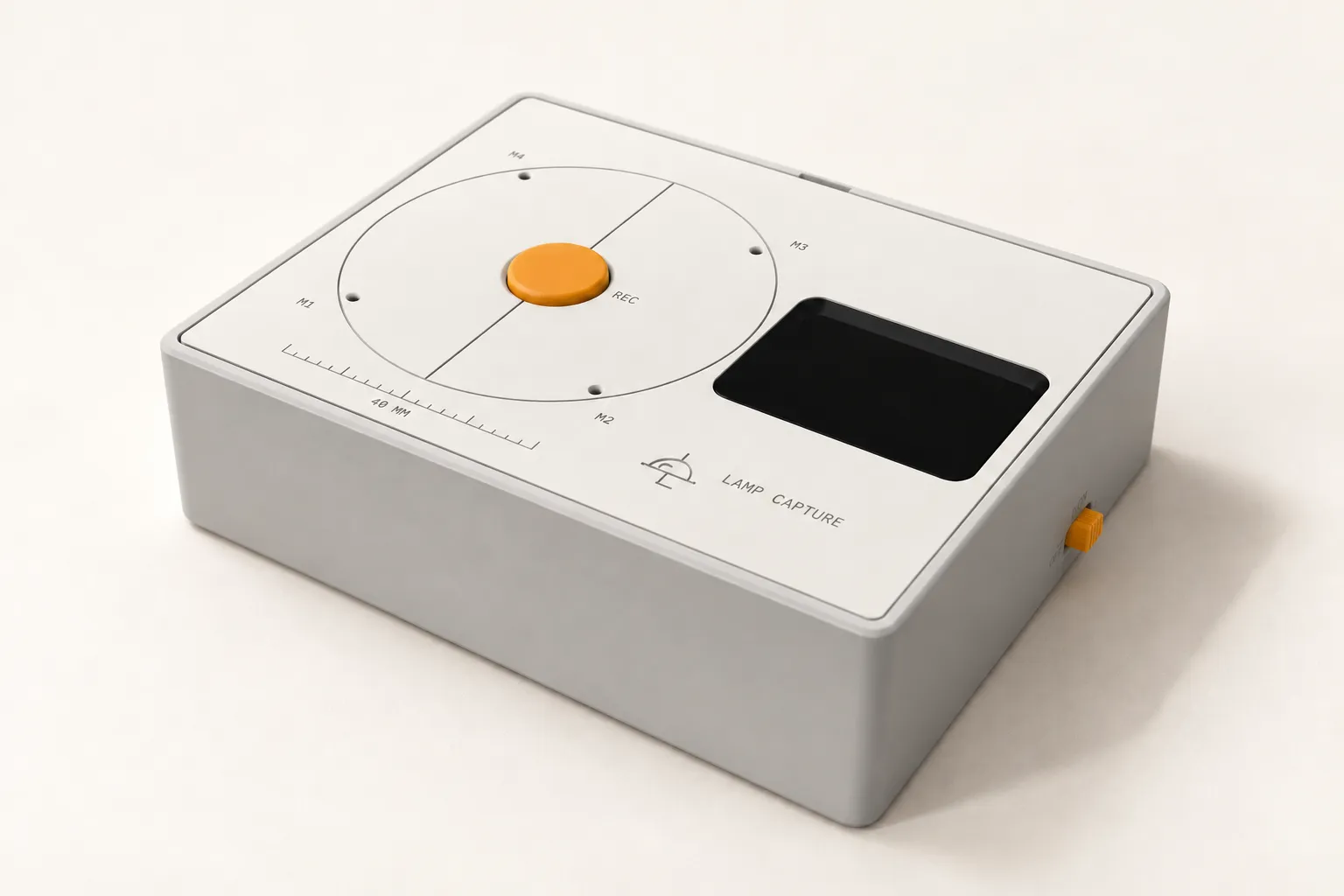
On a call, the Mac app records your microphone and the call’s sound. It works the same on Meet, Zoom, Teams and WhatsApp desktop. No bot joins the call. For meetings in the room, a small recorder is in development.
02
Read
After the meeting, you get a summary first. Then come the decisions, the promises (who owes whom what, and by when), the open questions, and a transcript synced to the audio.
03
Follow through
Ask a question about a past meeting, and Lamp Capture points you to the moment the answer was said. A brief before your next meeting with the same people, and a list of what was left open last time, are still being built.
On every meeting page
- Summary first.The main points, before the detail.
- Decisions.What the team agreed.
- Promises.Who owes whom what, and by when.
- Open questions.What nobody has answered yet.
- Transcript, synced to the audio.Read the words, and hear them as they were said.
Made for meetings in more than one language
- Mixed-language meetings.Meetings where people switch between Nepali and English.
- Search in two scripts.Search in Devanagari or in Roman letters.
- Bikram Sambat dates, as an option.Use Bikram Sambat dates if your team works with them.
- Made for teams anywhere whose meetings mix languages.Nepali and English are the two we have tested so far.
We are still improving how well Lamp Capture handles meetings that mix languages.
In the room
For meetings around a table, we are building a small recorder. It is a prototype.
Before you record
Tell everyone in the meeting that it is being recorded, before you start. We think everyone in a meeting should know, every time.
Join early access
We are opening Lamp Capture to a few teams first, and we would like to hear about your meetings.
Questions
- Does a bot join my call?
- No. The Mac app records your microphone and the call’s sound. No bot joins the call.
- Which computers does it run on?
- A Mac with macOS 15 or later. Windows is not supported yet. It works on Meet, Zoom, Teams and WhatsApp desktop.
- Which languages does it work in?
- Nepali and English today, including meetings where people switch between the two. You can search in Devanagari or in Roman letters.
- Does it connect to my calendar?
- Yes. It connects to Google and iCloud calendars.
- Can I buy the recorder for meetings in the room?
- Not yet. The recorder is a prototype in development.
- When can I start?
- Lamp Capture is in early access. We are opening it to a few teams first. Join early access above, and we will be in touch.